Newsletter reader
A quiet place to read your newsletters.
Your newsletters get a home of their own, away from receipts and work mail. Add the writers and sites you follow, and read it all when you’re ready.
Three ways in.
Subscribe with your Digest address
Sign up for a newsletter with your Digest address and each new issue arrives in Digest as an article. Your email never sees it.
Forward the ones you already get
Set your email to forward a newsletter to your Digest address, and keep your subscription exactly as it is.
Follow Substacks and RSS feeds
Paste the address of a Substack, blog or site and Digest follows it, next to your newsletters.
Every issue, at its best.
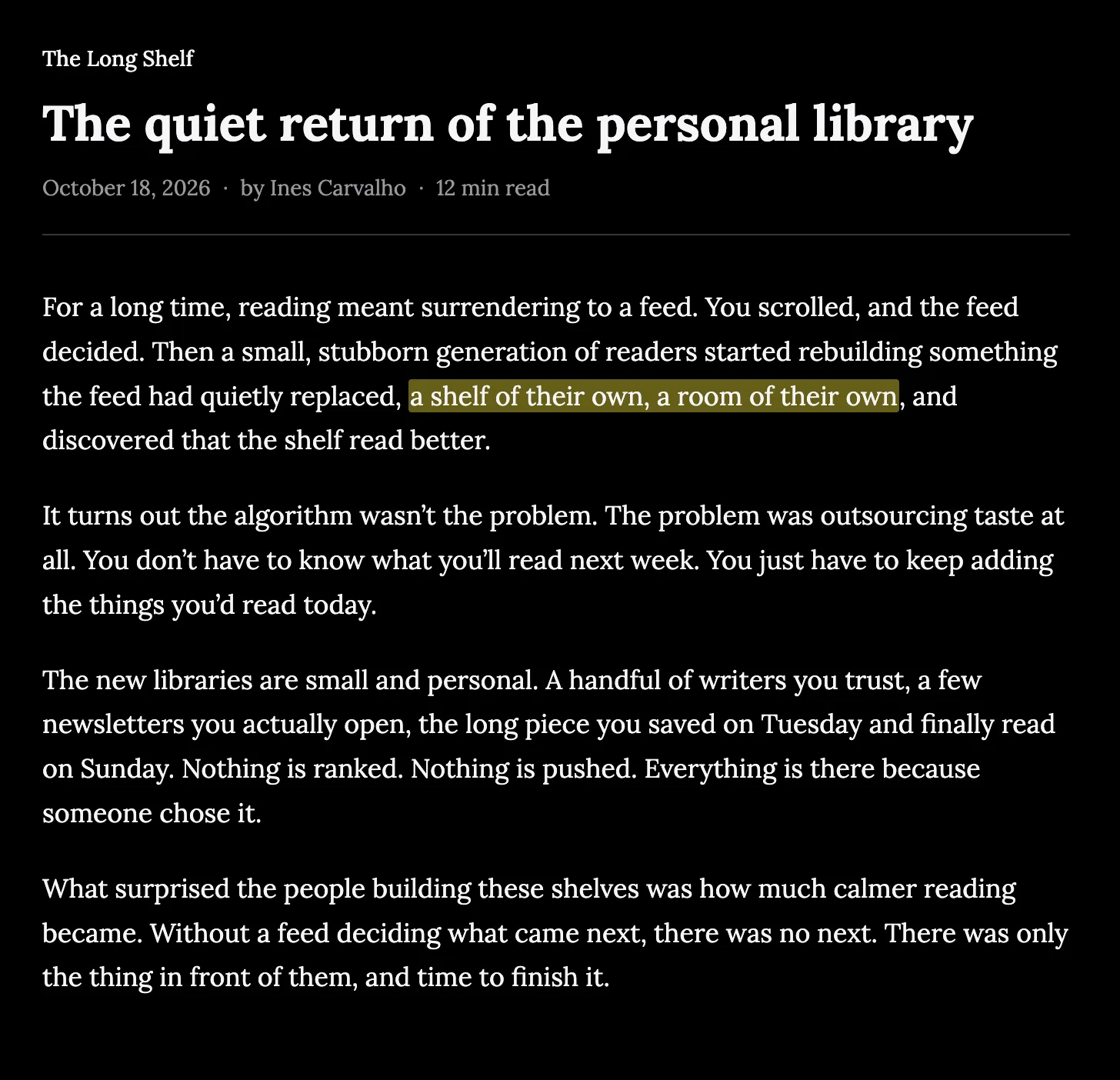
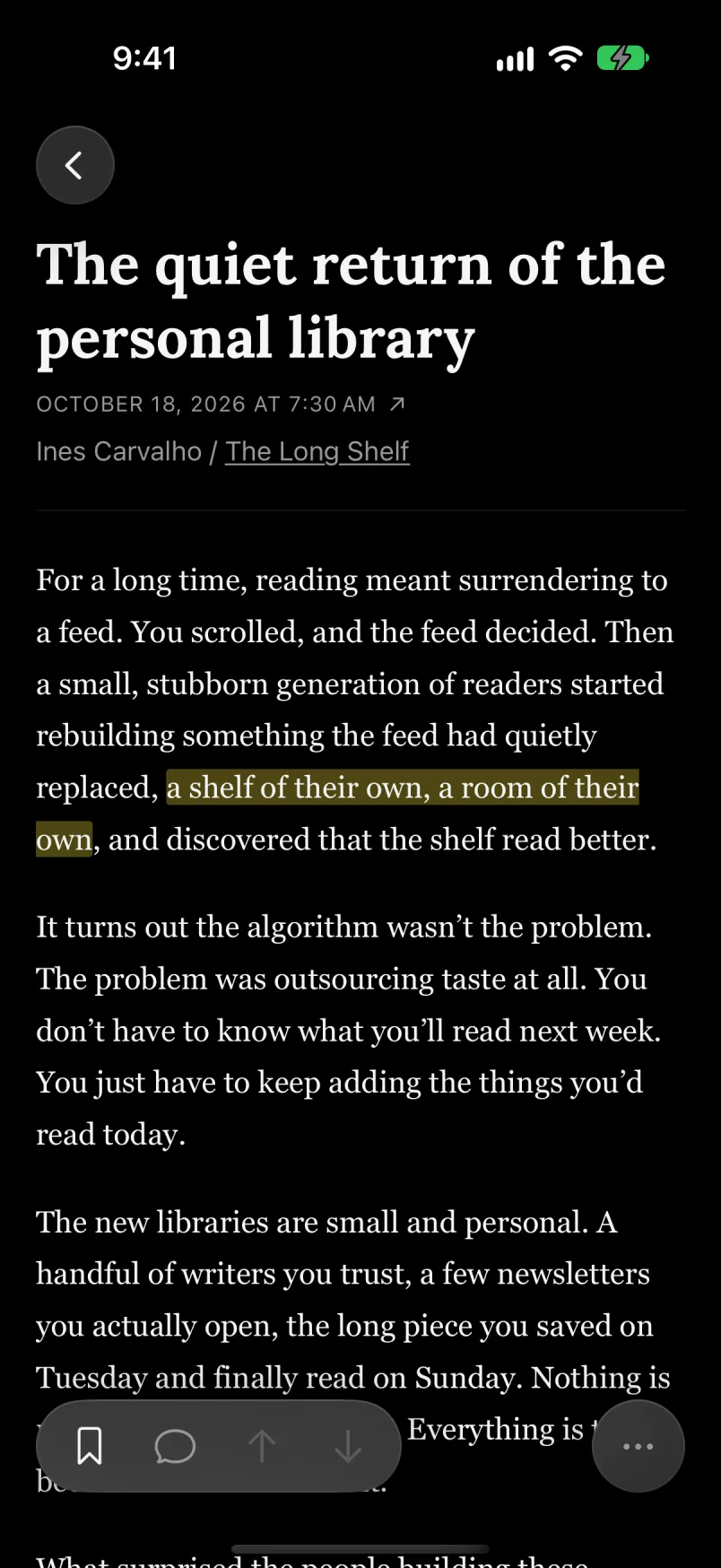
Issues open in a clean reader, set the way you like it: serif or sans, and a dark mode for late nights. Highlight a passage, add a note, and find it again later.
Group newsletters into Channels, like weekday reading and weekend essays, and your library stays in sync between the web and your iPhone.
Questions
- Is Digest free?
- Yes. Digest is free during the beta.
- Does Digest read my email?
- No. Your Digest address only receives what is sent to it, and Digest never signs in to your email.
- Where can I use it?
- On the web in a desktop or laptop browser, and on iPhone, where the app is in TestFlight during the beta. There’s no Android app yet.
- Will newsletters still reach my inbox?
- Newsletters you subscribe to with your Digest address only go to Digest. If you forward a newsletter instead, the original stays in your inbox, and your email app can archive it for you.
- Does Digest recommend newsletters or rank my feed?
- No. Everything in Digest is there because you added it. Nothing is ranked or recommended, and there are no ads.
Not ready to switch apps? Our guides cover filters, RSS and other options: How to read newsletters without cluttering your inbox · How to manage too many newsletter subscriptions
Your newsletters, out of your inbox.
The beta is free and opens in small batches. We’ll email you when there’s room for you.